for clubs and group leaders · a demo
See a demo: what a group looks like on Plus1
This is Forest Riders, a mountain bike club that doesn't exist. Here it is as its leaders and riders see it in the Plus1 app, from the group page to who's coming on Tuesday.
the group page
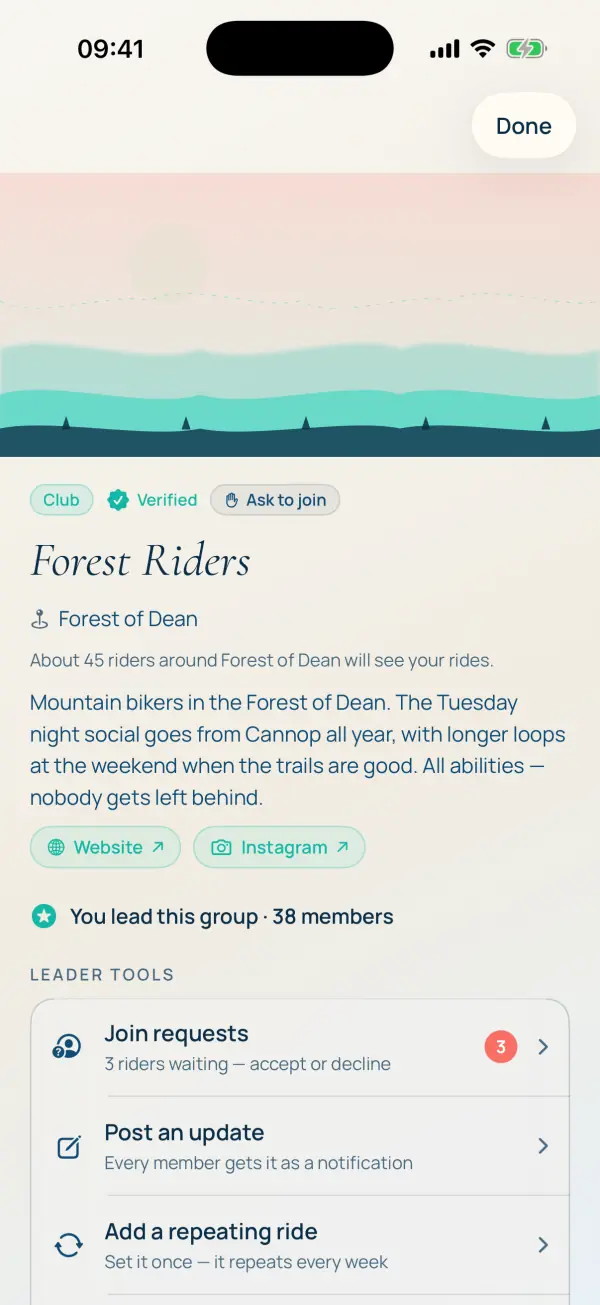
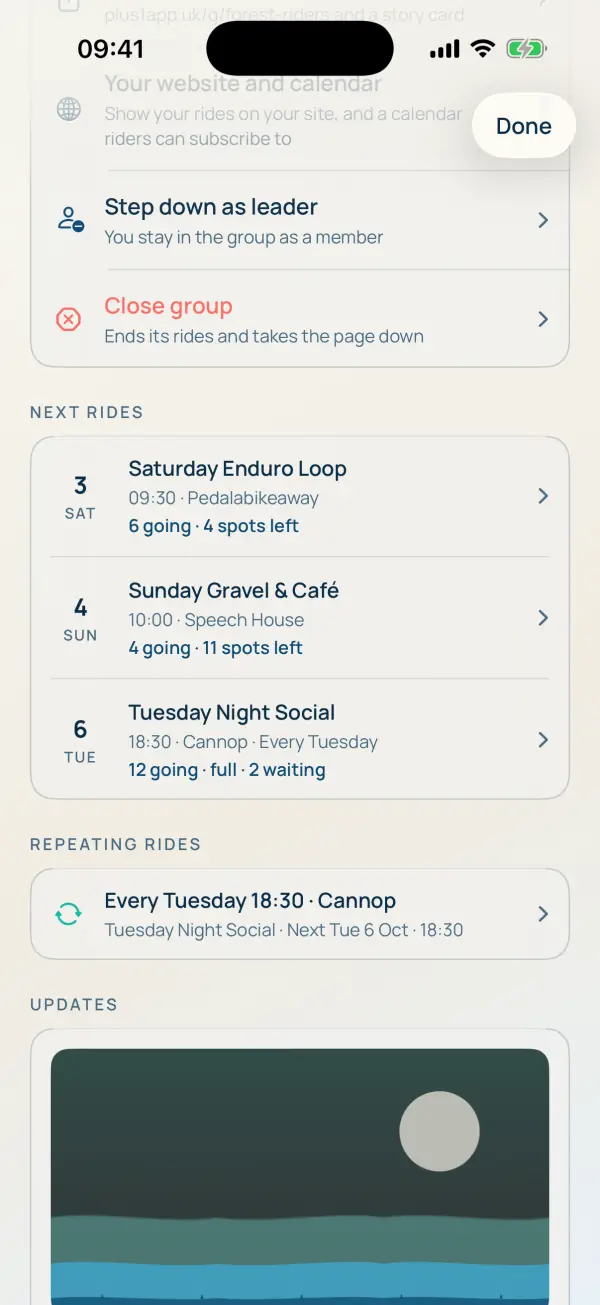
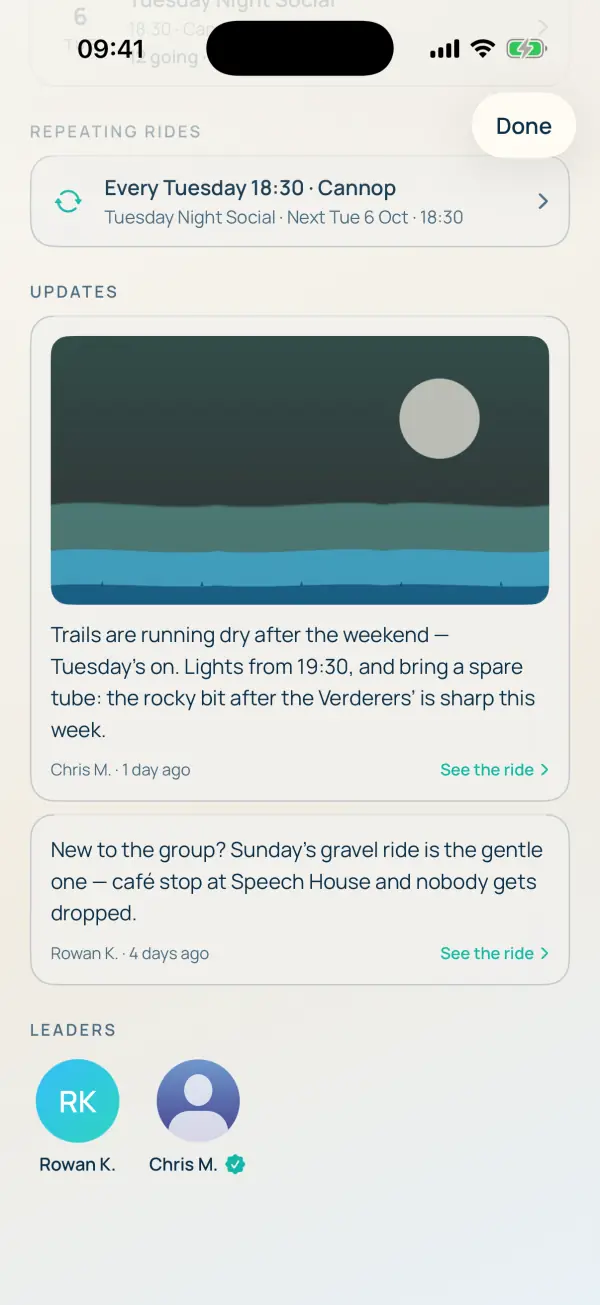
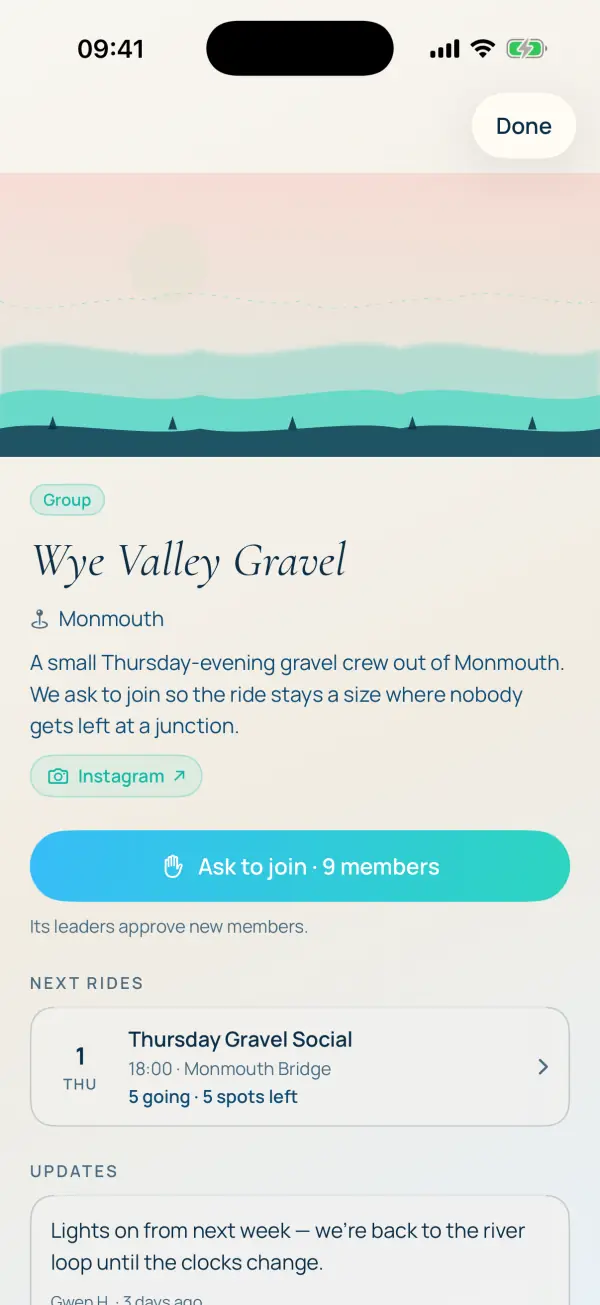
The group's home. Riders see the cover, the name, where it rides, what it's about and how to join. Further down: the next rides, the weekly ride that repeats on its own, and the leaders' updates.
a ride
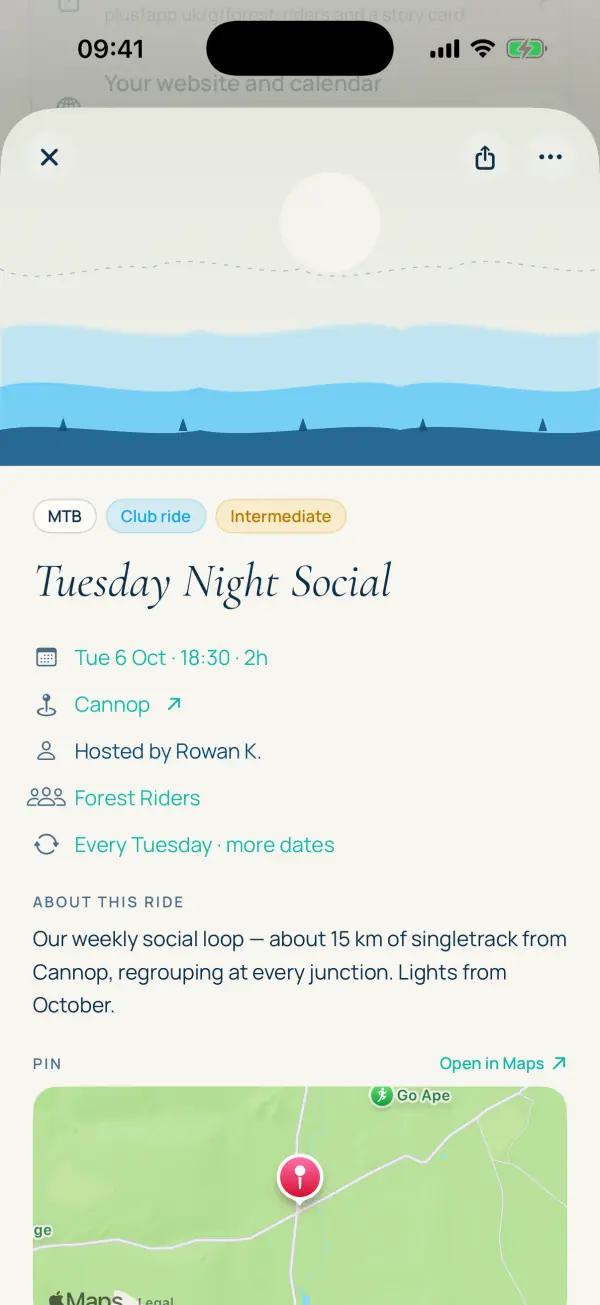
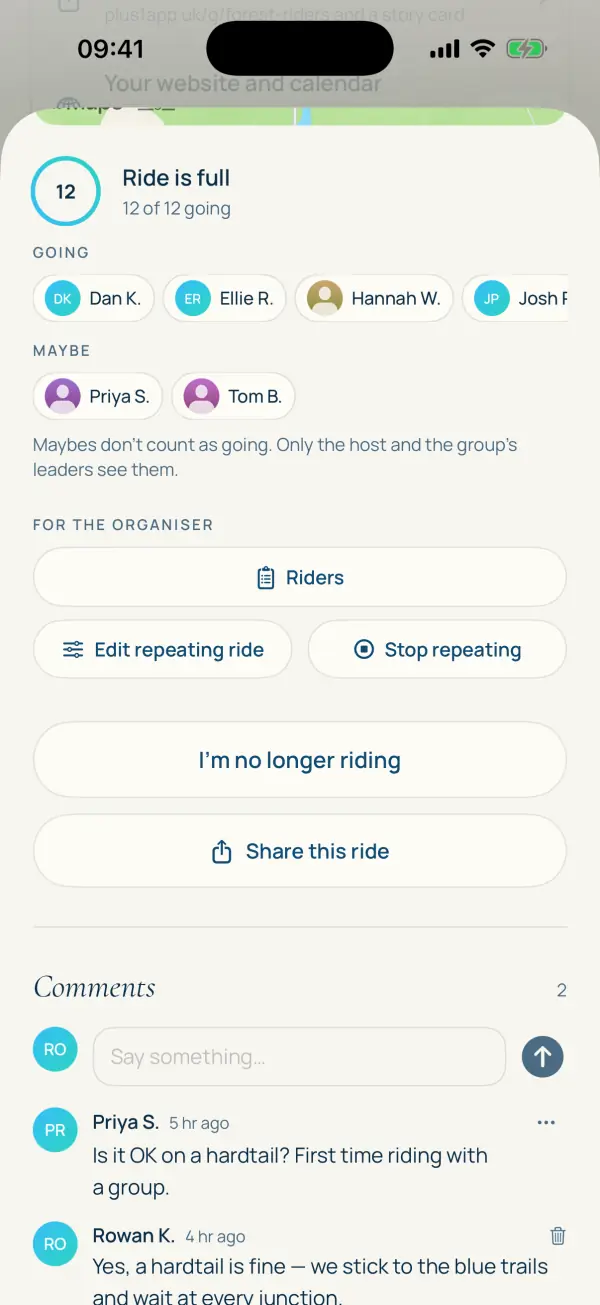
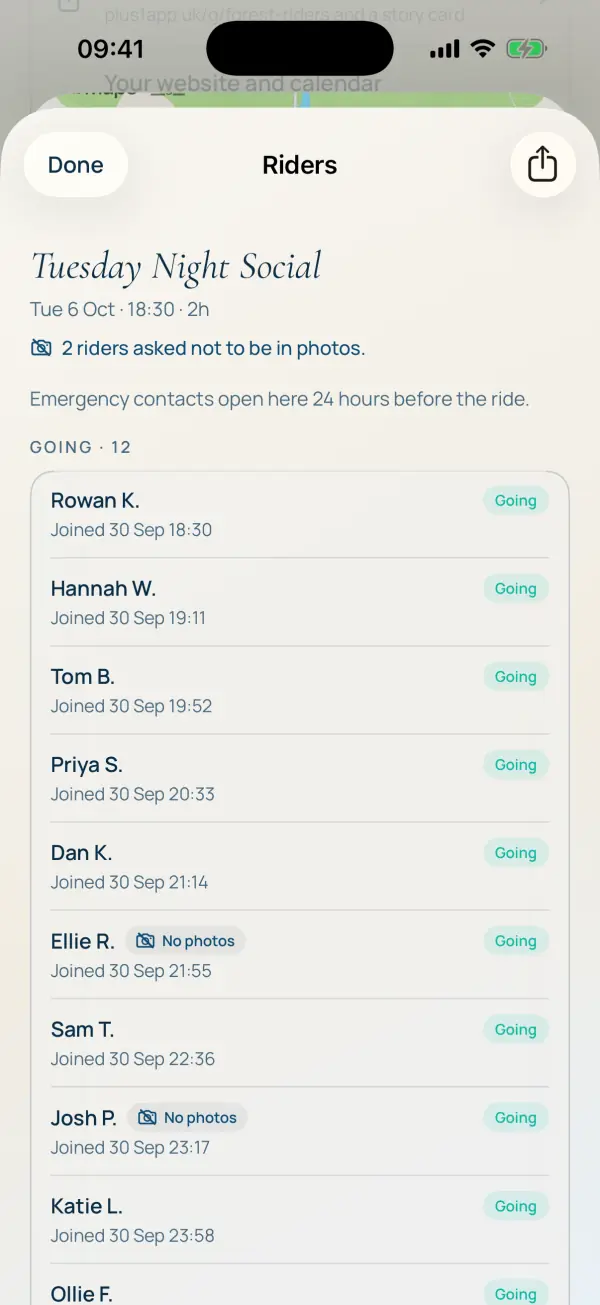
Tuesday Night Social is the club's weekly ride. It repeats every Tuesday, holds twelve, and this week it's full, so two riders are on the waiting list. If someone drops out, the first in line moves across and gets a notification.
running the group
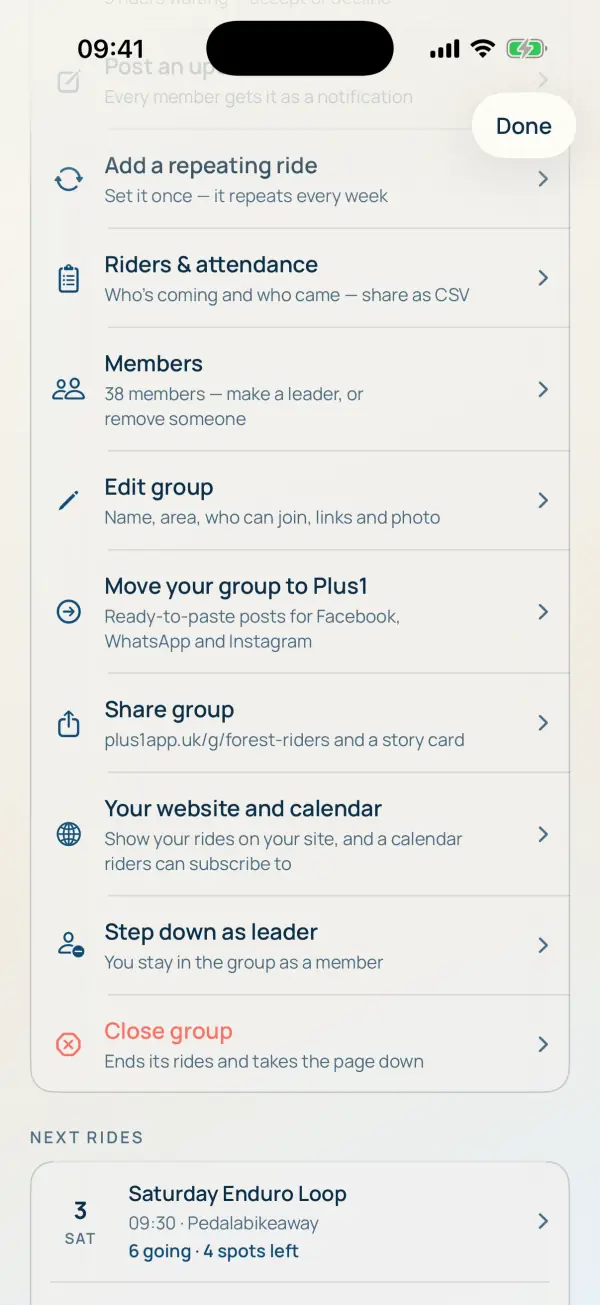
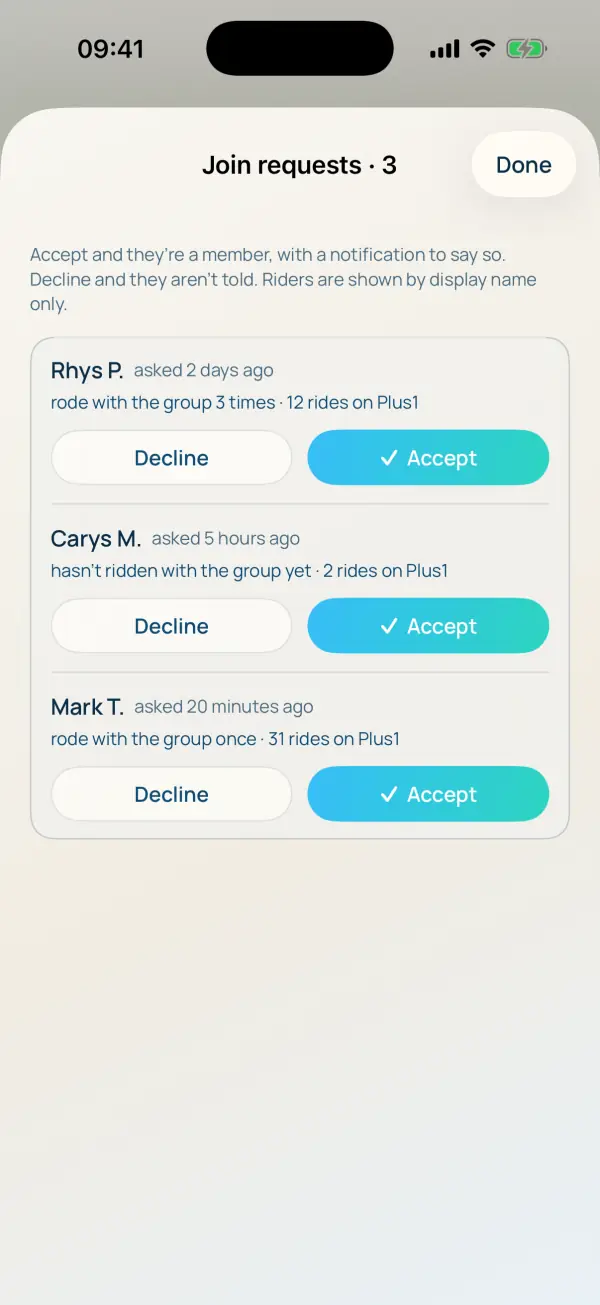
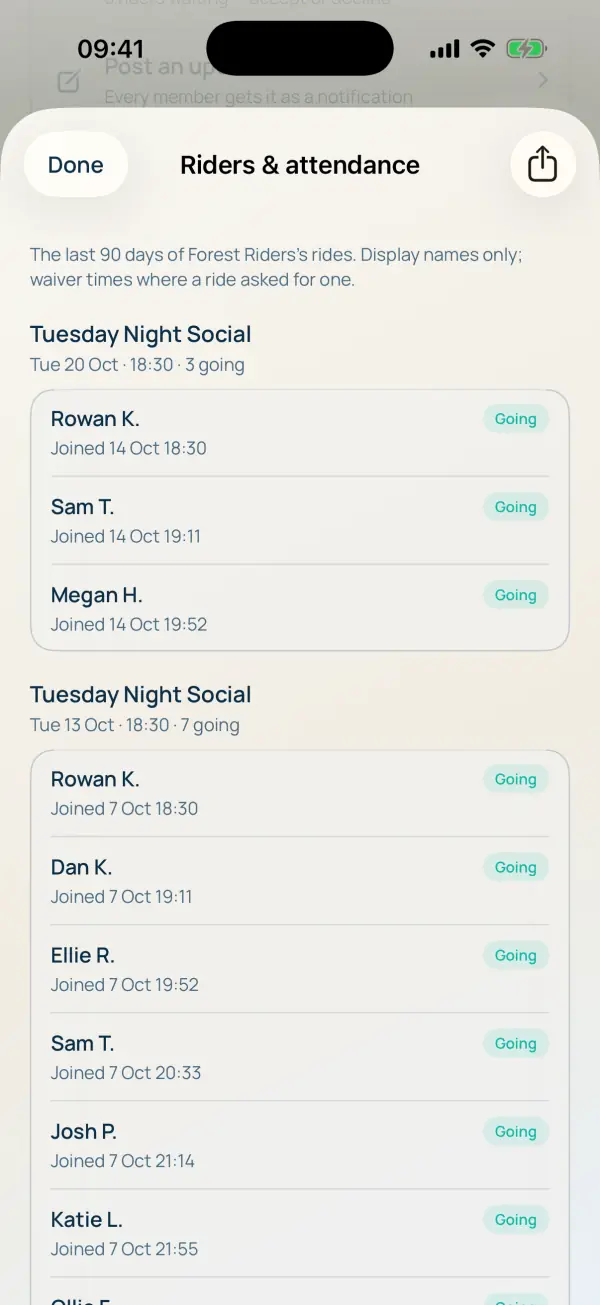
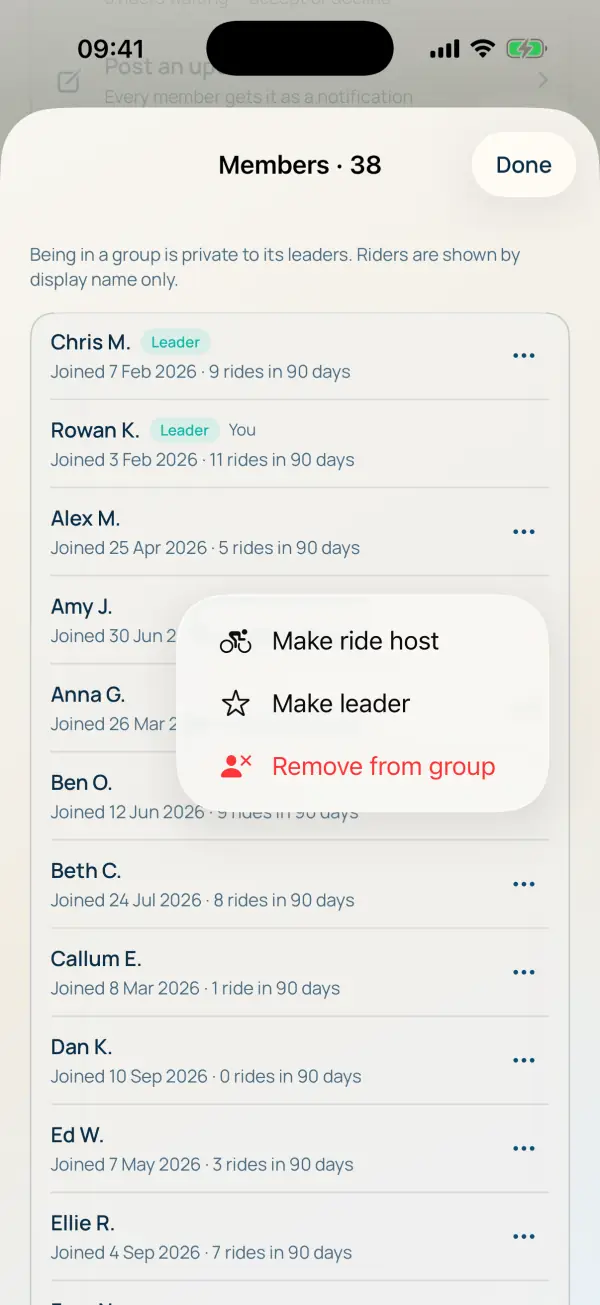
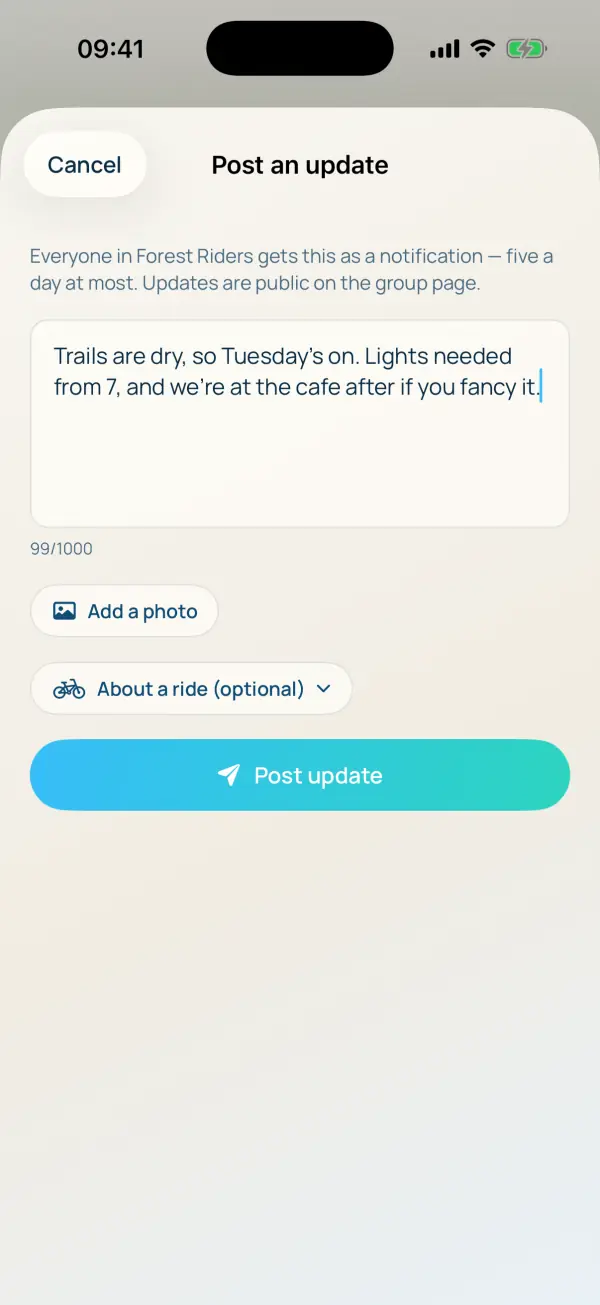
Everything a leader needs is in one list on the group page. Three riders have asked to join this week, there are 38 members, and attendance for the last 90 days is a tap away, ready to export.
what riders see
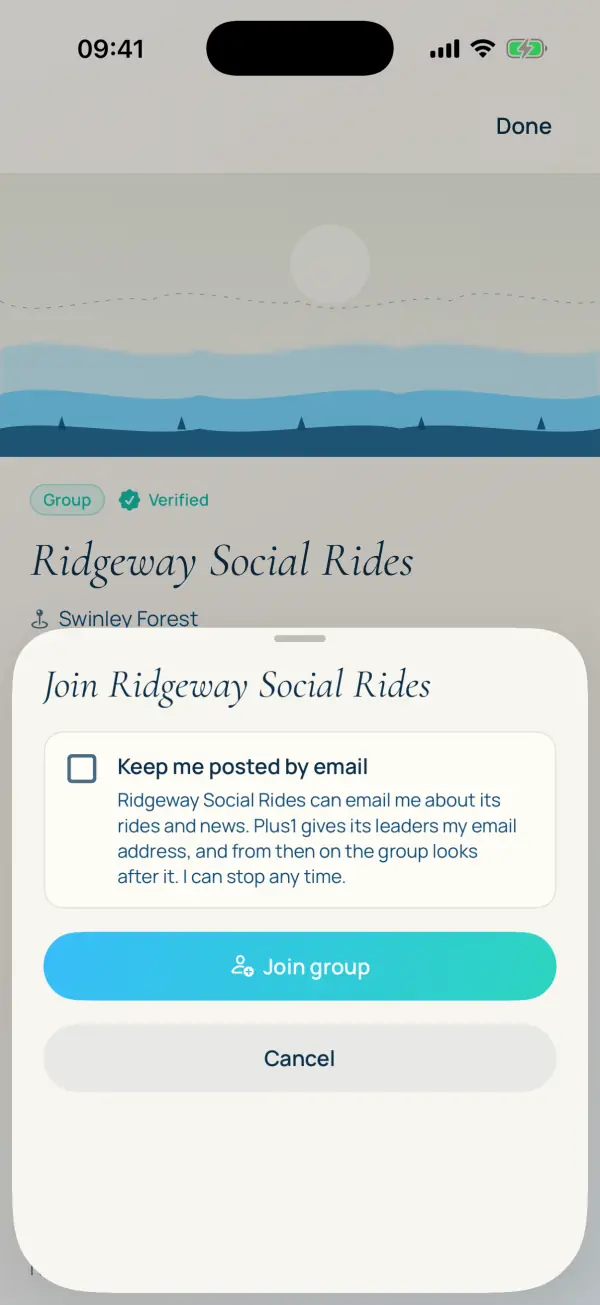
A rider finds the group, asks to join or joins in one tap, and has the group's rides in their Groups tab. After a ride, they're shown what's next.
a group that hosts social rides
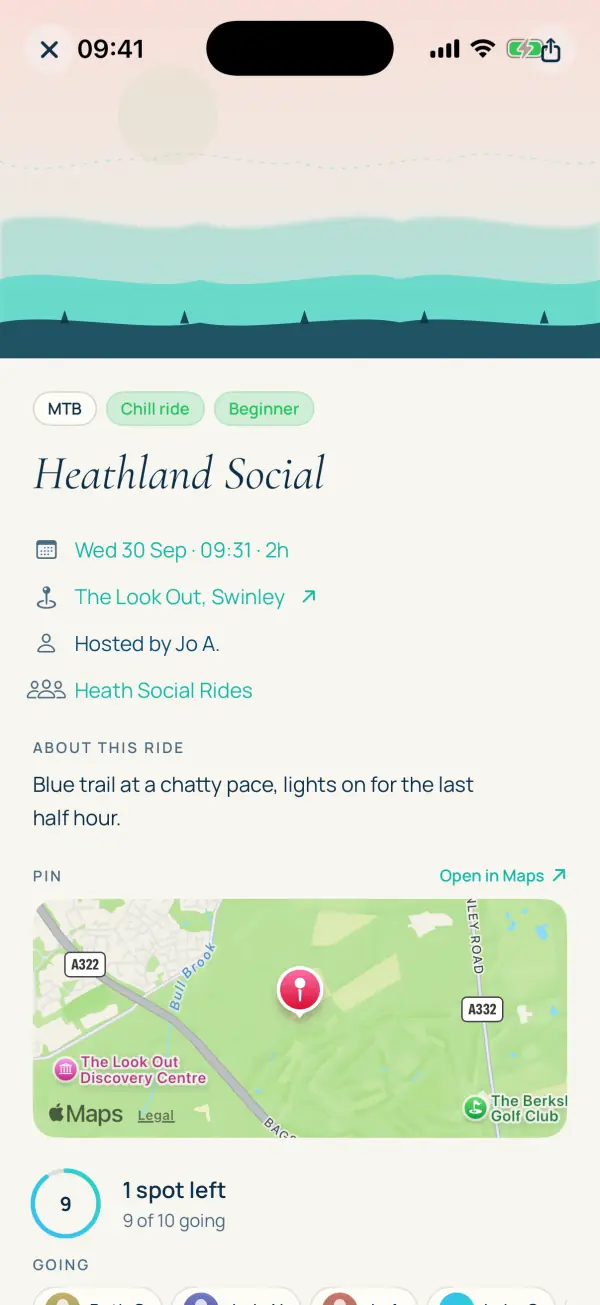
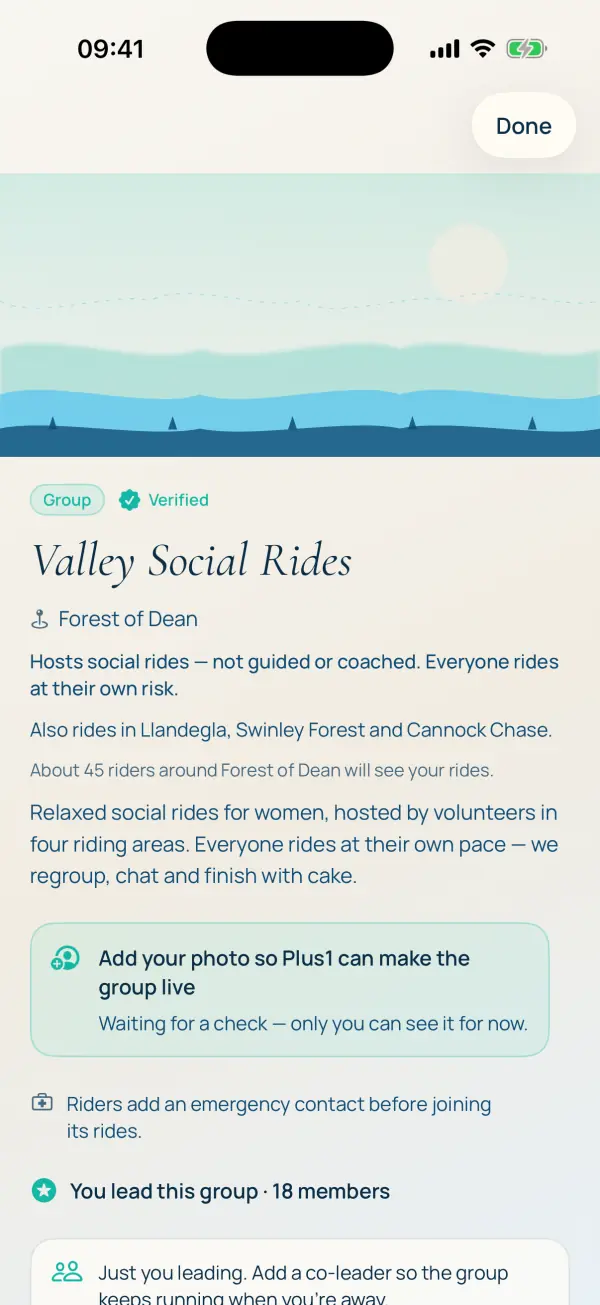
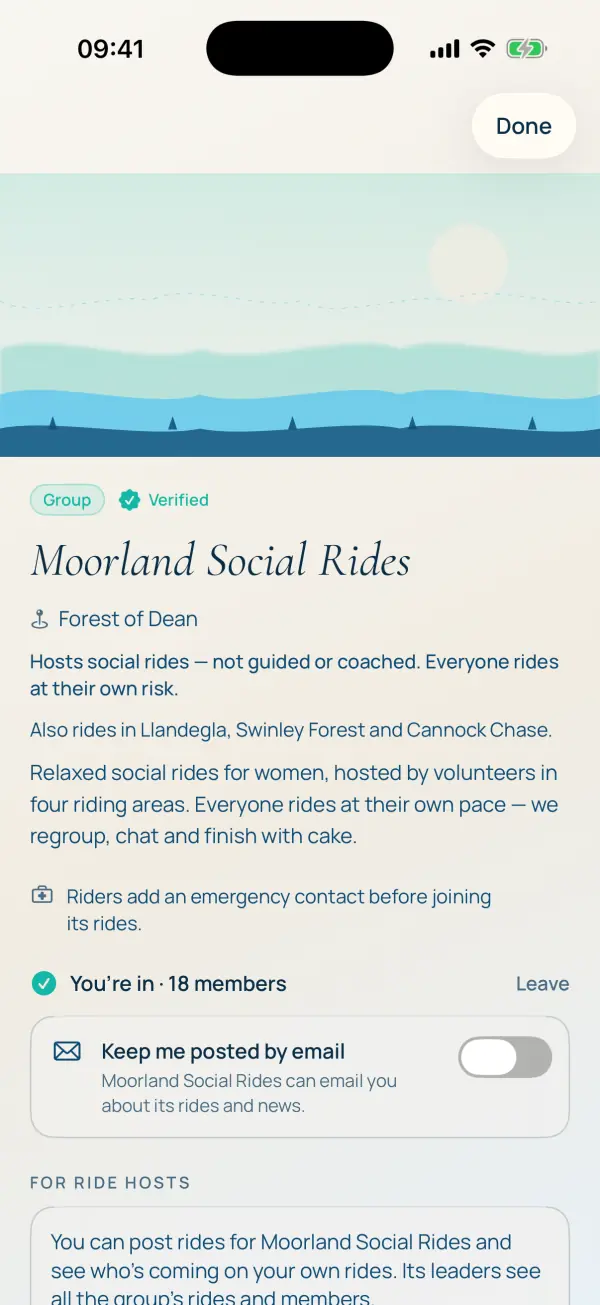
Not every group has ride leaders. Valley Social Rides, another made-up group, hosts relaxed social rides in four areas, with volunteer ride hosts posting rides for the group. Everyone rides at their own risk, and the page says so.
on your own website new in 1.10
Forest Riders keeps its own website, and doesn't want to type every ride twice. So it doesn't have to:
- Your next rides on your site. An upcoming-rides box you paste into your own website once (it's under Leader tools, then Your website and calendar). Every ride you post in Plus1 shows there by itself, with a link to sign up.
- A calendar riders can subscribe to. One link, and new rides land in your riders' own calendars without anyone copying them across.
- Quick post from a link. Already have the ride on your website or an event page? Paste the link and Plus1 reads the title, date, time and place and fills in the ride for you to check.
make one of these yours
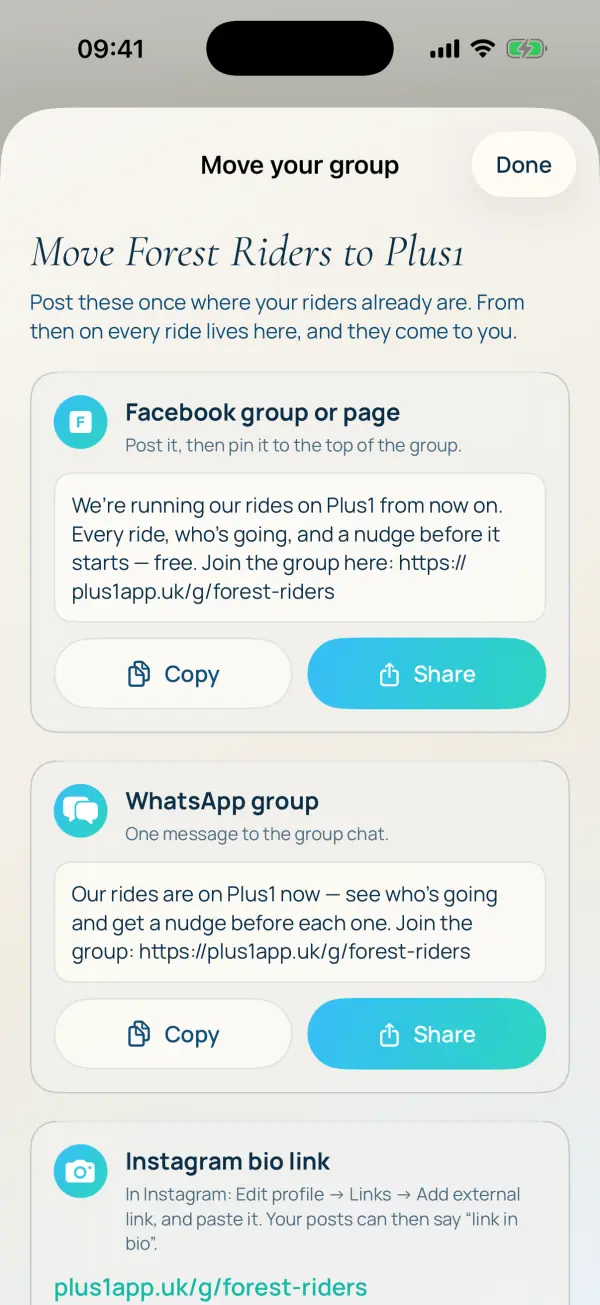
The step-by-step guide goes through every screen above in order, from downloading the app to moving your riders across from Facebook or WhatsApp. If you'd rather not do it yourself, email hello@plus1app.uk with your group's name and your regular rides, and we'll set it up for you.